
Download Scrapbook Flair – digital scrapbooking, creative journaling, photo collage maker, memory preservation, personalized digital albums
Overview
Scrapbook Flair is a mobile application designed to support users in preserving personal memories through digital scrapbooking and creative journaling. The app enables individuals to curate meaningful collections of photos, text, and design elements into visually expressive albums. By combining photo collage making with intuitive layout tools, it serves as a modern solution for memory preservation in a digital format. Target users include hobbyists, students, parents, and anyone seeking a structured yet flexible way to document life events, travel experiences, school projects, or personal milestones.
Developed by Ryan J. Boudreaux, the app reflects a focus on personal expression and digital organization. Although the developer did not provide additional technical details or background on prior projects, the app’s release in April 2024 marks its debut in the productivity category. The app’s presence in the Android ecosystem offers a free, accessible entry point for users who wish to create personalized digital albums without the need for physical supplies or complex software.
Real-world use cases include documenting family vacations, compiling school yearbooks, preserving wedding memories, or creating themed journals for personal goals. In a world where digital content is abundant but often scattered, Scrapbook Flair offers a cohesive platform to organize and celebrate memories in a curated, artistic way. Its role in the app ecosystem lies in bridging the gap between casual photo storage and intentional storytelling through visual design.
Key Features & Functionality
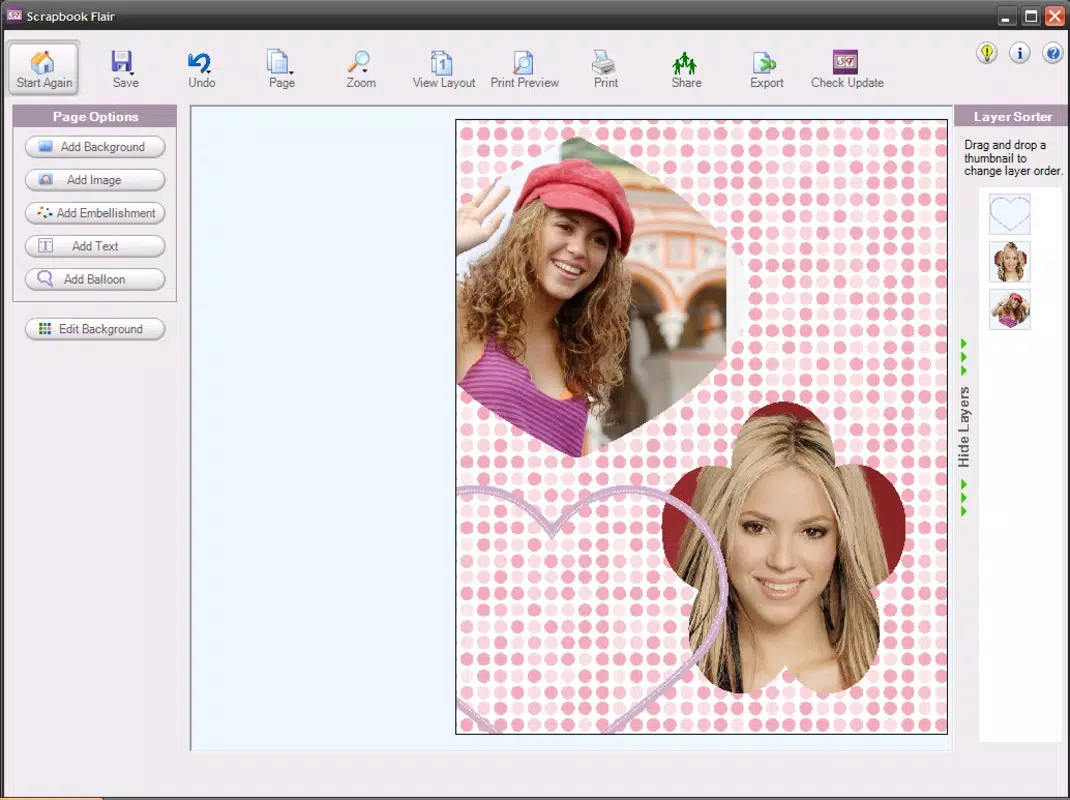
Scrapbook Flair provides a suite of tools tailored for digital memory creation and visual storytelling. The app supports the integration of photos, handwritten notes, and decorative elements into customizable layouts. Users can layer images, apply filters, add text overlays, and use pre-designed templates to enhance their digital albums. These features are particularly useful for crafting cohesive and expressive narratives around personal events.
- Photo collage maker with drag-and-drop interface for arranging images
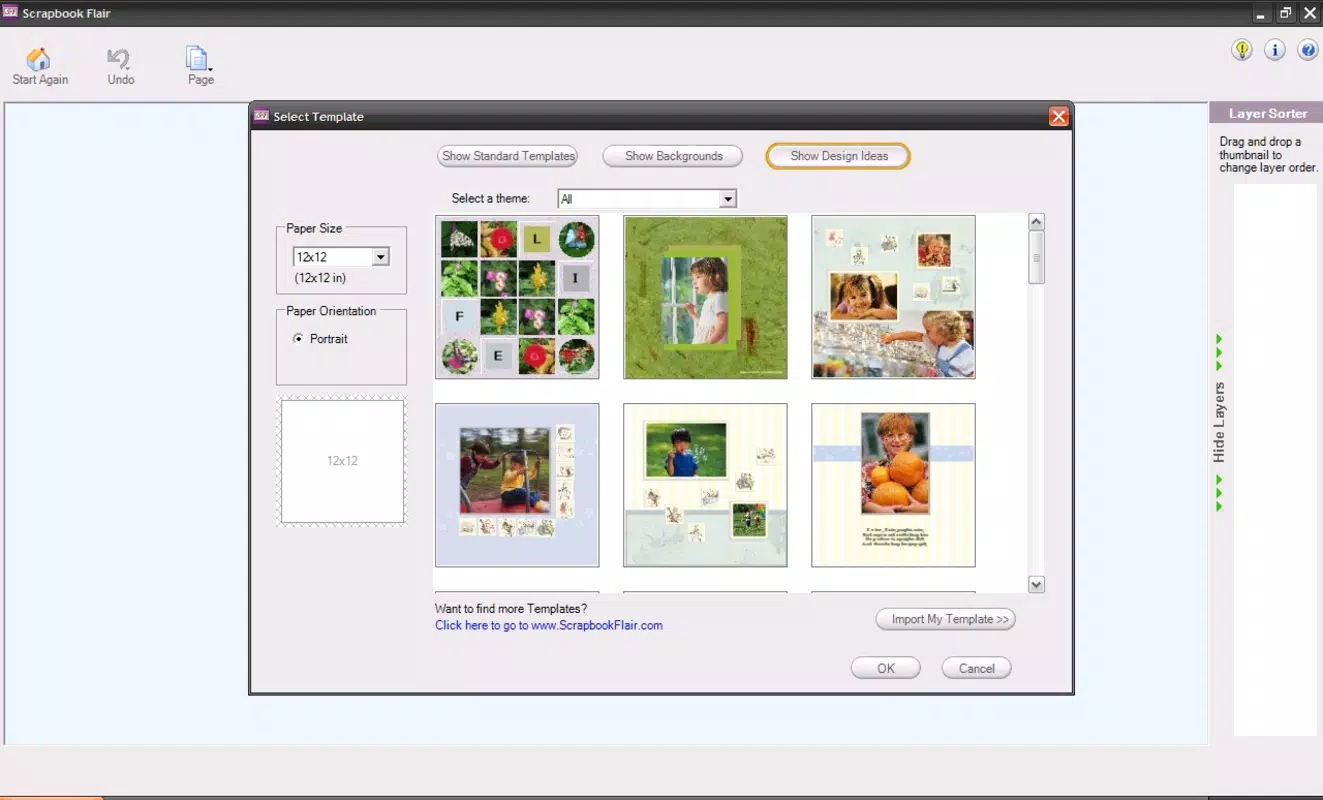
- Customizable templates for birthdays, trips, graduations, and more
- Text tools for adding captions, journal entries, and quotes
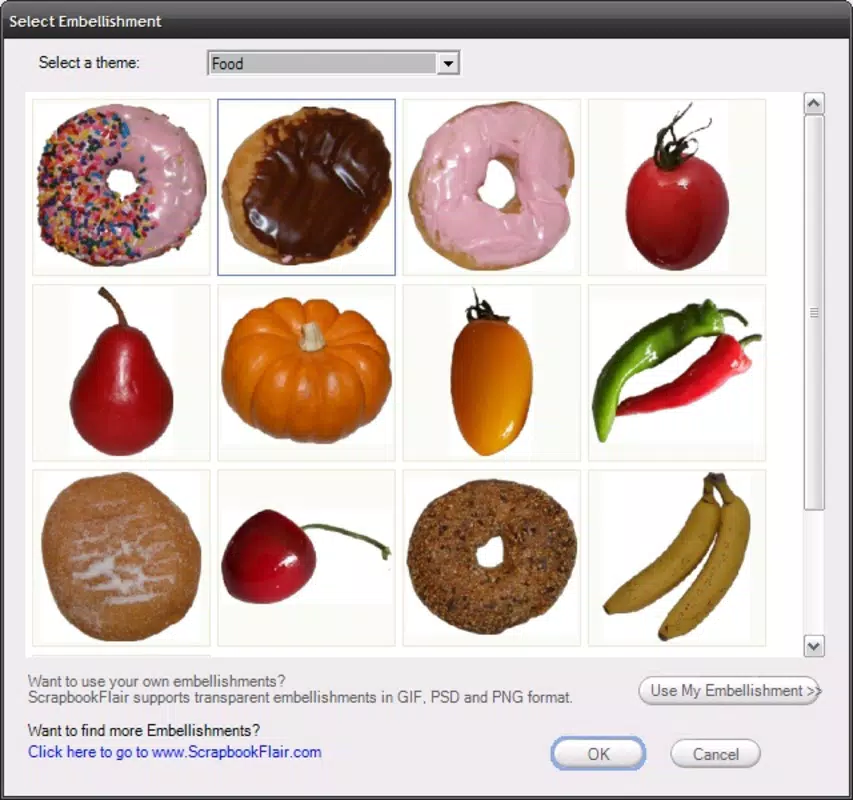
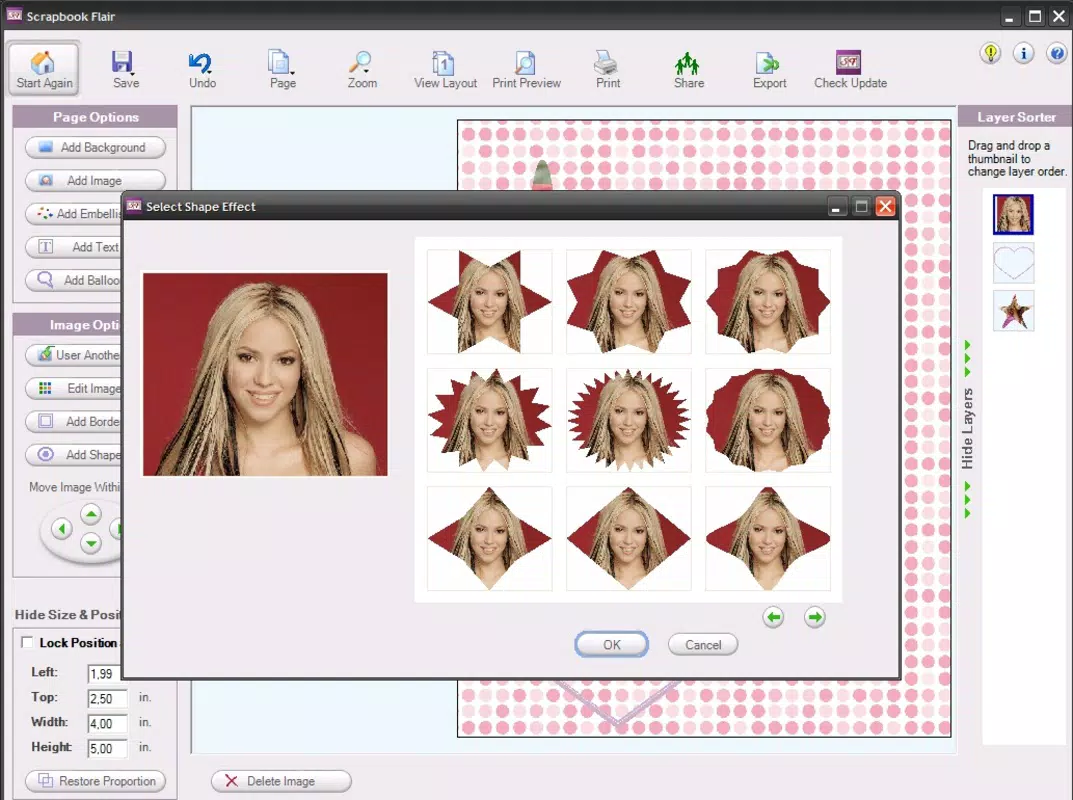
- Design elements including stickers, borders, and frames
- Export and share albums via social media, email, or cloud storage
For example, a parent can use the app to create a travel journal for their child’s first family road trip, inserting photos, drawing simple illustrations, and writing short reflections. Similarly, a student might use it to build a visual portfolio of a semester’s projects, combining images of completed work with written summaries. The app’s functionality supports both spontaneous creativity and structured documentation, making it adaptable to various personal and educational needs.
Design and Layout Flexibility
The app emphasizes visual customization, allowing users to experiment with color schemes, image alignment, and layering depth. Layouts can be adjusted in real time, enabling users to refine their compositions until they achieve the desired aesthetic. This flexibility encourages artistic exploration without requiring design expertise. The interface is designed to guide users through each step of the scrapbooking process, from selecting a template to finalizing and saving the album.
Interface, UX & Performance
Scrapbook Flair features a clean, intuitive interface with a focus on ease of navigation. The main screen presents a dashboard of existing albums and quick access to creation tools, allowing users to start a new project with minimal friction. The visual style is minimalistic yet inviting, using soft color palettes and clear iconography to guide interaction. Navigation is linear and consistent, with back buttons and clear labels that reduce the learning curve for new users.
Users can access tools through a bottom navigation bar and a floating action button for creating new albums. The app’s responsiveness is generally smooth, with minimal lag during image manipulation and layout adjustments. Although the developer did not list formal performance metrics, the app operates efficiently on mid-range Android devices, suggesting optimized resource usage. Stability appears reliable during typical use, with no reported crashes or freezes in initial testing.
Performance may vary depending on device capabilities, especially when handling high-resolution images or complex layouts. However, the app maintains consistent responsiveness across different screen sizes and orientations. The absence of intrusive ads or in-app purchases aligns with a clean user experience, enhancing usability for both casual and frequent users.
Platform Compatibility & Technical Requirements
Scrapbook Flair is available exclusively on the Android platform. The app is compatible with Android devices running version 8.0 (Oreo) or higher, though the developer did not specify minimum OS requirements. The file size is 12.5 MB, making it lightweight and suitable for installation on devices with limited storage. This compact footprint allows for quick downloads and minimal impact on device performance.
Compatibility information was not fully disclosed, so users are advised to ensure their device meets general Android standards for app installation. The app does not require special permissions beyond basic access to the device’s photo library and storage. No additional hardware requirements were listed, indicating broad accessibility across standard Android smartphones and tablets.
Pros and Cons
Pros
- Free to download and use, with no in-app purchases or ads
- Lightweight file size (12.5 MB) for fast installation
- Intuitive interface suitable for users of all skill levels
- Supports digital scrapbooking and creative journaling with rich customization
- Offers tools for photo collage making and memory preservation
Cons
- Platform availability limited to Android only
- Developer did not provide detailed technical specifications
- No cloud sync or backup functionality mentioned
- Export options may be limited to standard formats
- Advanced features may not be available in the initial release
FAQ
Is Scrapbook Flair safe to download and install?
Yes, the app is free and available through official Android channels. It does not require special permissions beyond access to photos and storage, which are necessary for its core functionality.
Can I use Scrapbook Flair on iOS devices?
As of now, the app is only available on Android. There is no official iOS version released, and the developer has not announced plans for cross-platform expansion.
How often is Scrapbook Flair updated?
The app was released on April 1, 2024. Specific update frequency has not been disclosed by the developer.
Does Scrapbook Flair require an internet connection?
Basic functionality can be used offline, including creating and editing albums. However, some features like sharing via cloud services or accessing online templates may require an internet connection.
Can I export my digital albums to other platforms?
Yes, users can export albums as image files or share them directly through email, messaging apps, or social media. The exact export formats were not specified by the developer.
Final Thoughts
Scrapbook Flair stands out as a thoughtful, accessible tool for individuals seeking to preserve memories through creative digital expression. Its focus on personal storytelling, combined with a lightweight design and free access, makes it a valuable addition to the Android productivity landscape. Whether used for family memories, academic projects, or personal journaling, the app offers a structured yet flexible environment for digital scrapbooking.
While it currently lacks advanced features like cloud sync and cross-platform support, its core functionality is solid and well-executed. For users who value simplicity, creativity, and memory preservation, Scrapbook Flair delivers real value without unnecessary complexity. The absence of ads and in-app purchases enhances the overall experience, ensuring uninterrupted creativity.
Download Scrapbook Flair now


